Create Three Useful Visuals From One Single Subject.
Tired of unpredictable AI image results? Use simple, reusable command shortcuts to generate a cohesive product hero, close-up macro detail, and contextual lifestyle scene without starting from scratch every time.
Full product focus, studio lighting, clean backdrop.
Material texture, crisp rim focus, subtle blur.
Contextual setting, natural lighting, ready for text.
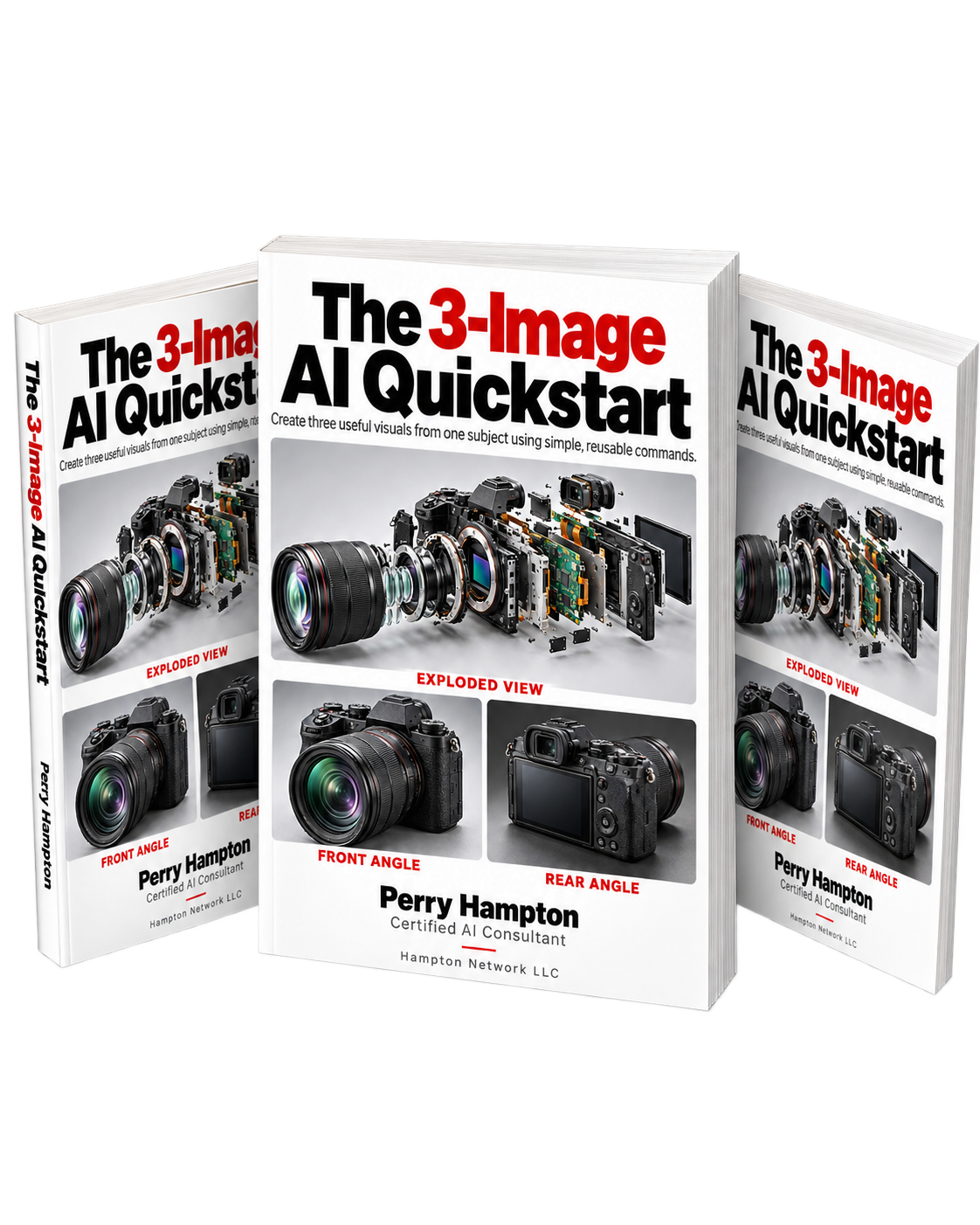
Includes Full PDF Guide + Copy-Paste Shortcuts
Designed for Midjourney, ChatGPT/DALL-E, Ideogram, or your favorite generator.
Get The 3-Image AI Quickstart
Enter your details below to get instant access to the reusable command templates and 6-point checklist.
The 3-Image AI Quickstart at a Glance
Based on the official guide by Perry Hampton. Everything you need to go from vague prompts to three consistent, publication-ready brand visuals.
Pick Your Subject with Precision
Start with one physical object (e.g. a matte red ceramic coffee mug, sneaker, notebook, or your real product). Keep details minimal to avoid AI confusion.
Teach the Three Shortcuts
Copy the one-time setup block into your AI chat. Your assistant learns hero_product, macro, and medium_shot shortcuts.
Run the 6-Point Quality Checklist
Evaluate subject integrity, color consistency, realistic edge details, editorial copy space, real-world accuracy, and output aspect ratios.
The 3 Reusable Commands in Action
Explore the exact syntax from the guide. Click copy to use them directly in ChatGPT, Claude, Midjourney, or Ideogram.
Teach Your Assistant the Shortcuts
Paste this entire block once at the start of your conversation. Wait for the reply: "Ready. Send your first /image command."
Make the Subject Stand Out
Clean product still image with studio lighting, believable materials, and subtle contact shadow.
- Full mug is visible
- Handle has a believable shape
- Background does not compete
Bring One Detail Closer
Extreme close-up on texture or small feature with sharp rim focus and softly blurred background.
- Selected detail stays ultra-sharp
- Material looks authentic matte ceramic
- Red color matches Image 1 exactly
Show Where It Belongs
Places the subject in an uncluttered lifestyle setting with natural lighting and editorial room.
- Mug remains easy to recognize
- Shape and color match the reference
- Desk & window fit without clutter
The 6-Point Professional Review Checklist
Keep what works. Change one thing at a time. Before publishing to your website, catalog, or ad campaigns, run your generated batch through these criteria:
"Keep the parts that match my brief. Change only [one specific issue]. Use the attached image as the reference."
Subject Accuracy
Does the image show the exact physical object requested without morphing or weird additions?
Cross-Shot Consistency
Do the primary color, silhouette, and tactile finish match identically across all 3 camera angles?
Detail Realism
Are edges, handles, shadows, reflections, and ceramic textures physically believable?
Negative Copy Space
Can you overlay a headline, price tag, or call-to-action button without obscuring the subject?
Commercial Truthfulness
If this visual represents an actual product you sell, does it honestly represent what customers receive?
Aspect Ratio & Crop
Does the crop fit its destination channel (e.g., 16:9 for presentations, 1:1 for shop feeds, 9:16 for stories)?
Continue with Slash Image Commander
Ready for more than 3 starter shortcuts? Slash Image Commander provides a complete browser-based command library with 30 commands, 37 prompt bodies, and 121 worked examples.
Get Your Free Starter Guide Now
Join hundreds of creators and small business owners generating consistent, professional AI visuals for products, slides, and marketing.
Get The 3-Image AI Quickstart
Enter your details below to get instant access to the reusable command templates and 6-point checklist.